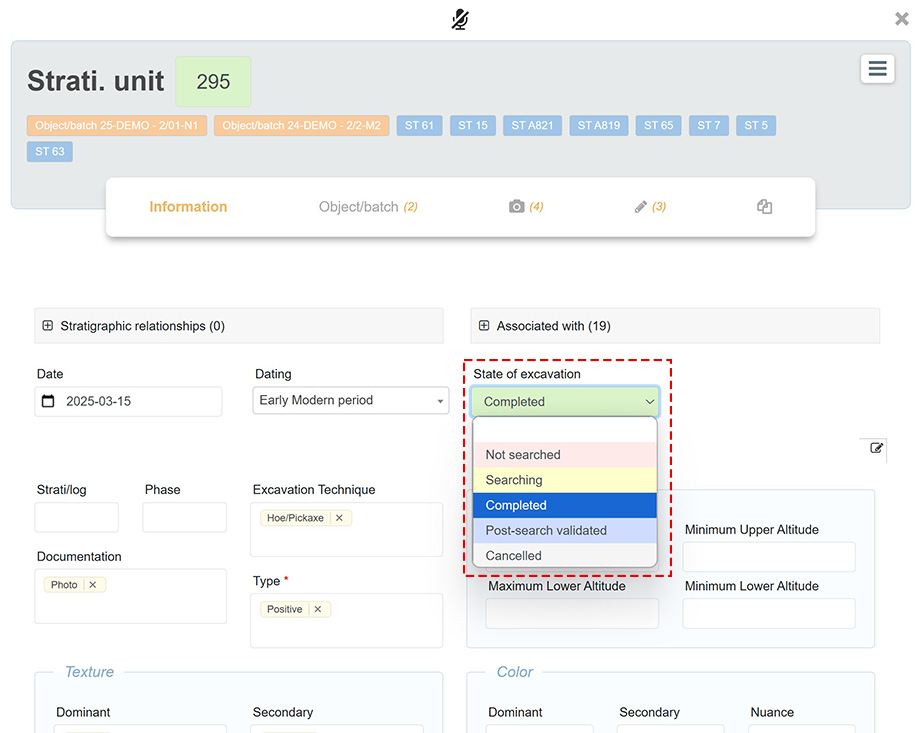
The basic field Excavation Status allows the use of color coding to provide an overview of the progress status of forms within a table. The color code is applied by the user, who selects the desired value from the Excavation Status dropdown menu.
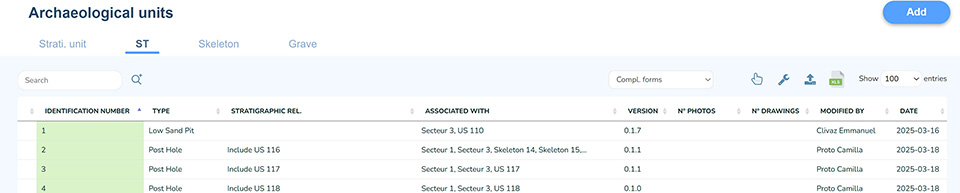
The ID column in the table then displays the selected color codes: red for Not excavated, yellow for In progress, and green for Completed. The value Cancelled shows the line as crossed out and in italics.
Required fields
Warning indicators may appear on the left side of a table when the Required Fields of a form have not been completed by a user.

Configuring a Required Field
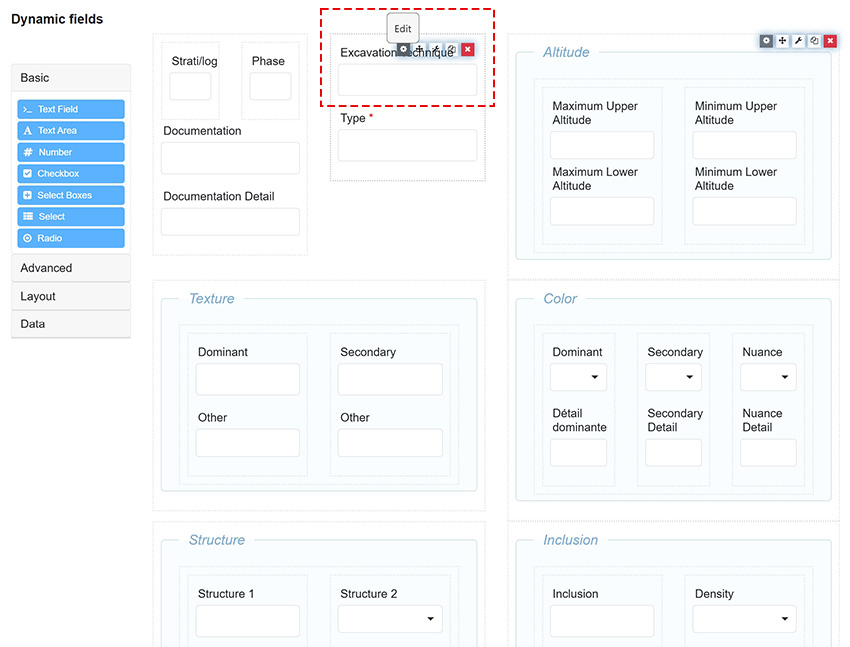
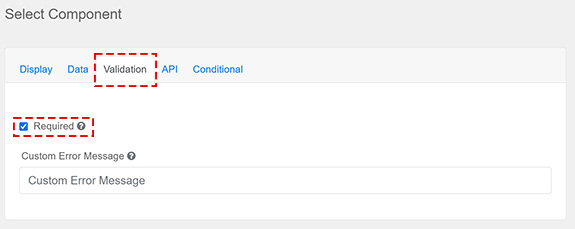
A form field can be configured as required from the configuration window of that same form. Simply edit the Field in question by selecting its Validation tab and checking the Required box.