The archaeological reality in which all data is interconnected is reflected in ArcheoBase through a system of associations between forms. Form association is a key concept that allows a form to be linked to any other form within ArcheoEntry. For example, a Stratigraphic Unit form can be linked to a Structure form and also to photos, and so on.
There are two types of associations: direct and indirect.
Direct Association
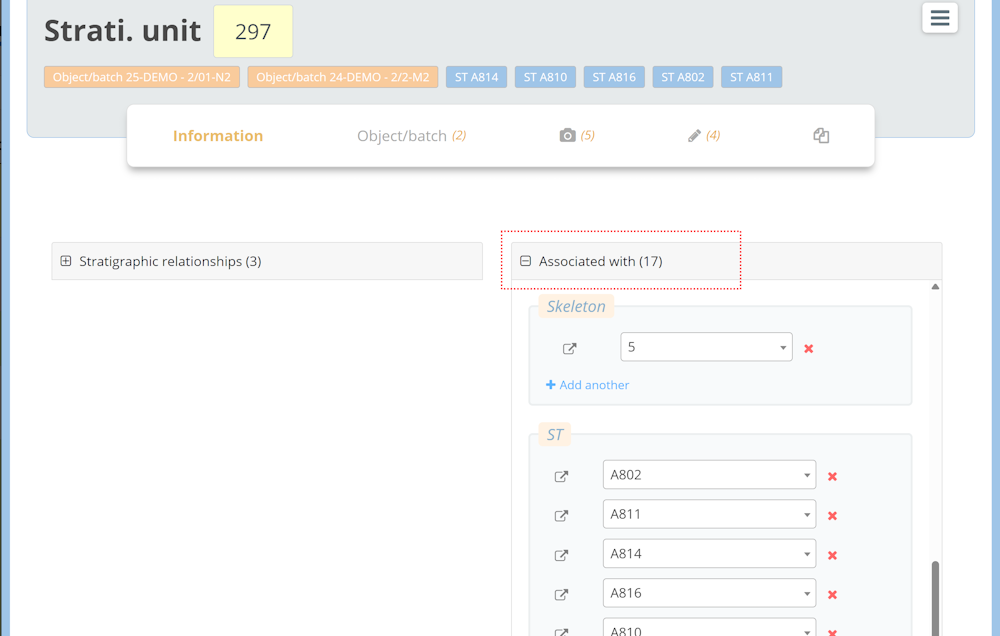
A direct association refers to a relationship established between two forms through the Associated with panel.
For instance, the Stratigraphic Unit form shown below has 17 associations.
Indirect Association
A hierarchy between form types allows ArcheoBase to automatically generate indirect associations between forms. An indirect association is one that is created automatically, without requiring manual input from the user.
Hierarchy Example

In this example of a form type hierarchy:
- Sector contains Stratigraphic Unit
- Stratigraphic unit contains Finds
As a result, based on this hierarchy, the Finds are indirectly associated with the Sector.
Practical Example

- The user links the Sector 22 form to the Stratigraphic Unit 12 form.
- This is done directly via the Associated With panel of Sector 22.
- This is a direct association.
- Later, the user creates the Finds 51 form and links it to Stratigraphic Unit 12.
- Again, this is done directly via the Associated With panel of Finds 51.
- This is also a direct association.
- Since a hierarchy has been predefined, an indirect association is automatically generated between Sector and Finds.
- The Associated With panel of Sector 22 now includes an indirect link to Finds 51.
- The Associated With panel of Finds 51 includes an indirect link to Sector 22.
The main advantage is that the user can now list all the finds contained in Sector 22 without having to manually create a direct link between each finds form and the sector.
Indirect associations are particularly useful because they eliminate repetitive manual linking and reflect the real-world structure of an archaeological intervention. Their utility grows as the hierarchy becomes more complex. For instance:


-
From the Zone 1 form, the user can view all photos taken in that zone, as well as all finds associated with it.
-
From the Sector 4 form, the user can access all its structures and related photos, etc.
Interface
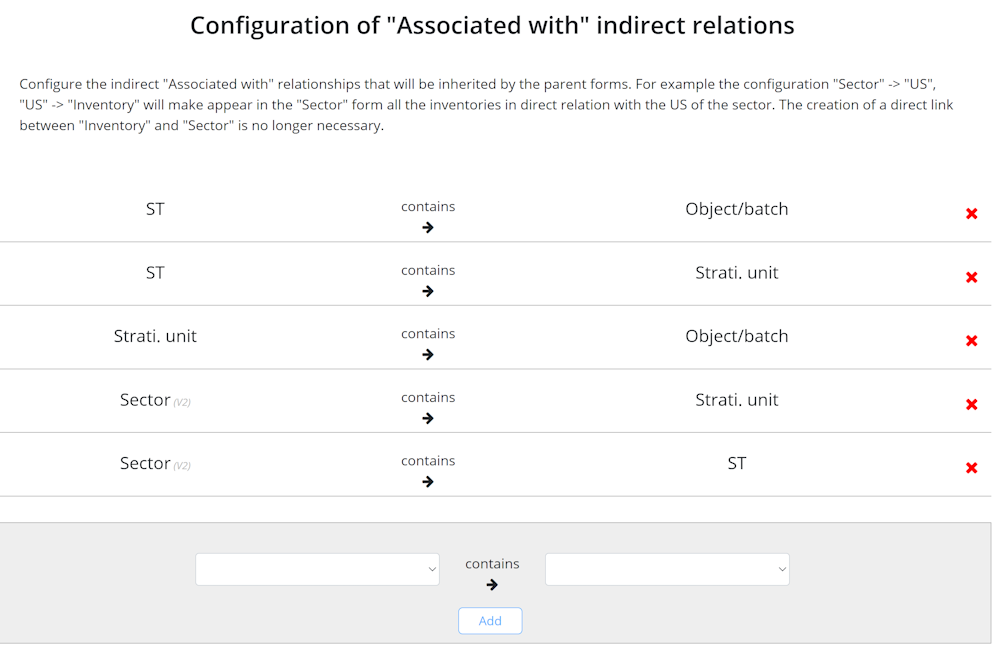
This hierarchy is configured in the menu:
Settings → Indirect Associations Configuration (Associated With).
Each row defines a step in the hierarchy between form types.
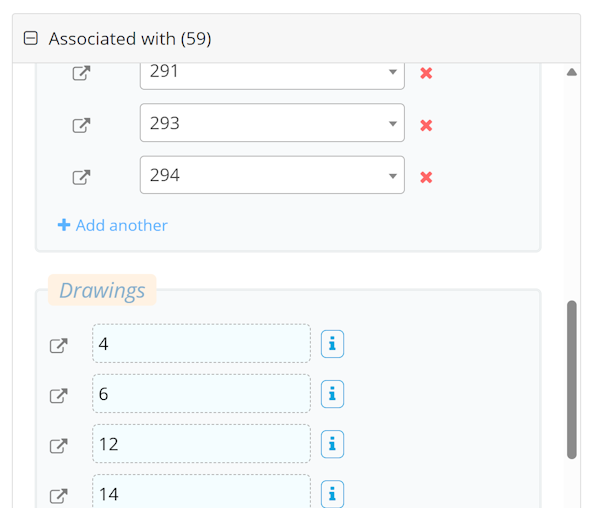
In the Associated With panel of a form, indirect associations are displayed in a distinct style (bluish color with dashed borders). An info button on the right side of the field reveals the pathway used to establish that indirect association.