Create a Harris matrix
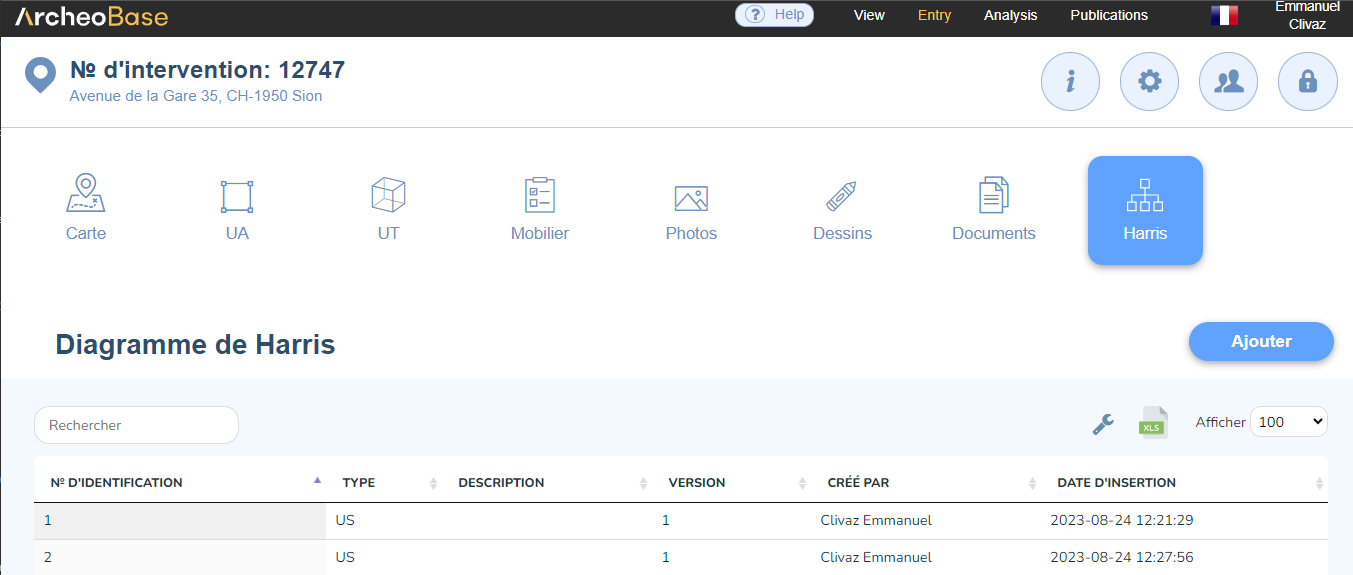
To create a Harris matrix, click on the Harris tab in the main menu bar, then click on Add.
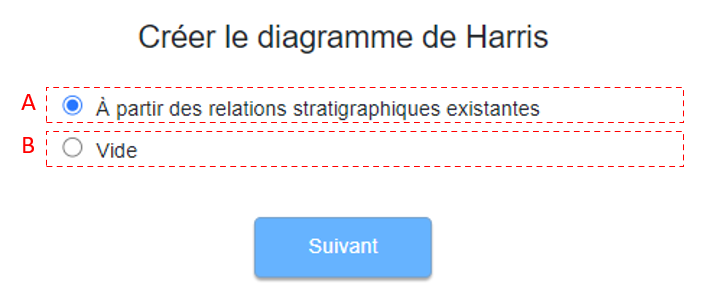
The user can generate a Harris matrix from existing stratigraphic relationships (A) or start from a blank page and create the matrix manually (B).
A: Create the matrix from existing stratigraphic relationships
A Harris matrix can be generated automatically based on the stratigraphic relationship values entered in the forms. Below is an example of the SU-type form table listing the stratigraphic relationships included in each form.
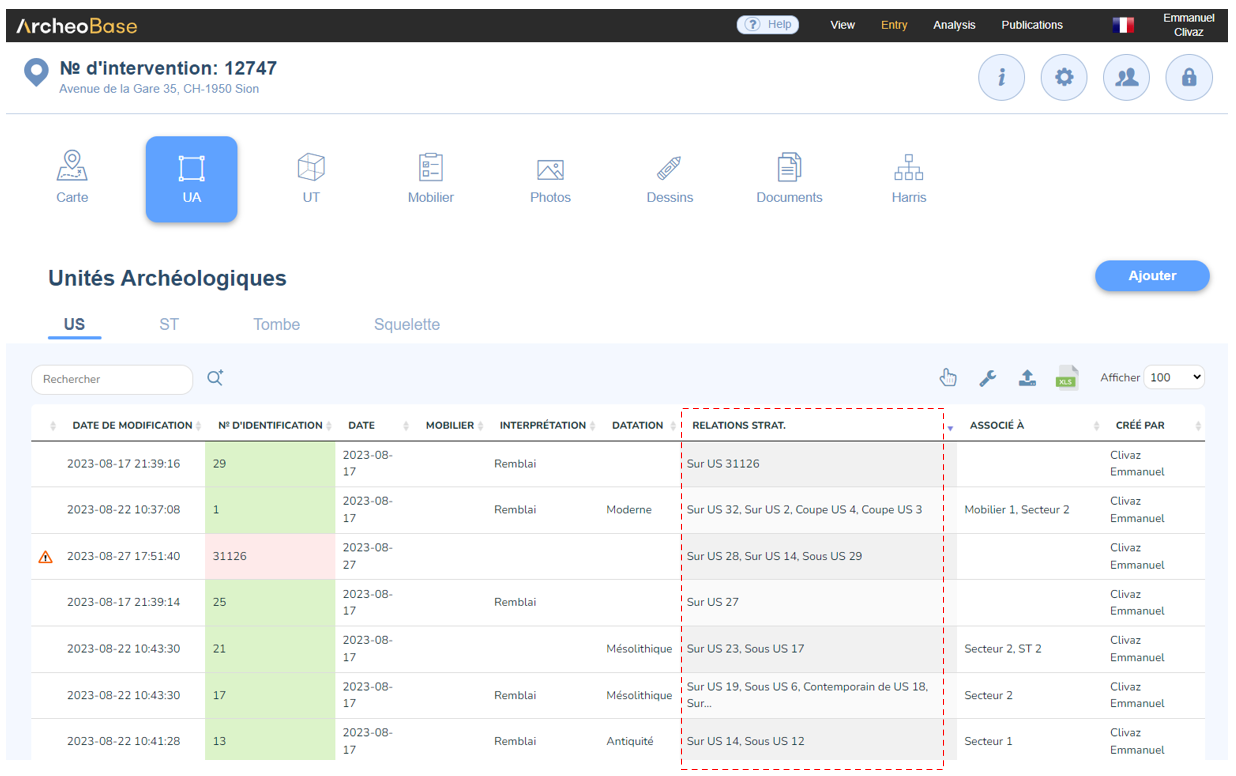
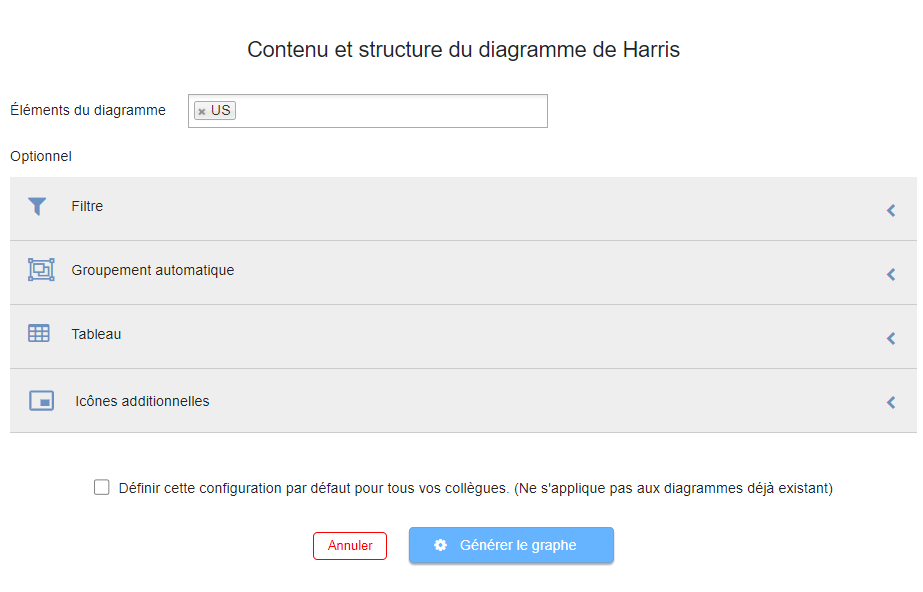
From the Harris tab in the main menu bar, select Add then From existing relationships. Enter the elements of the matrix of type SU and leave the other options as default, then click the Generate matrix button.
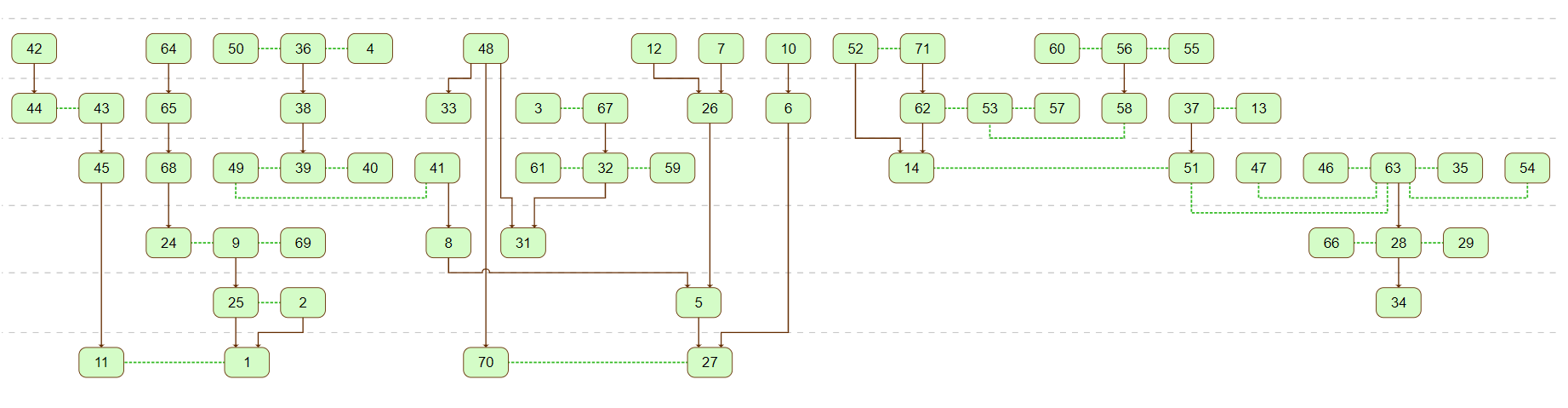
Based on the existing stratigraphic relationships, the Harris matrix is automatically generated. Here is an example of a simplified matrix generated with the default settings.
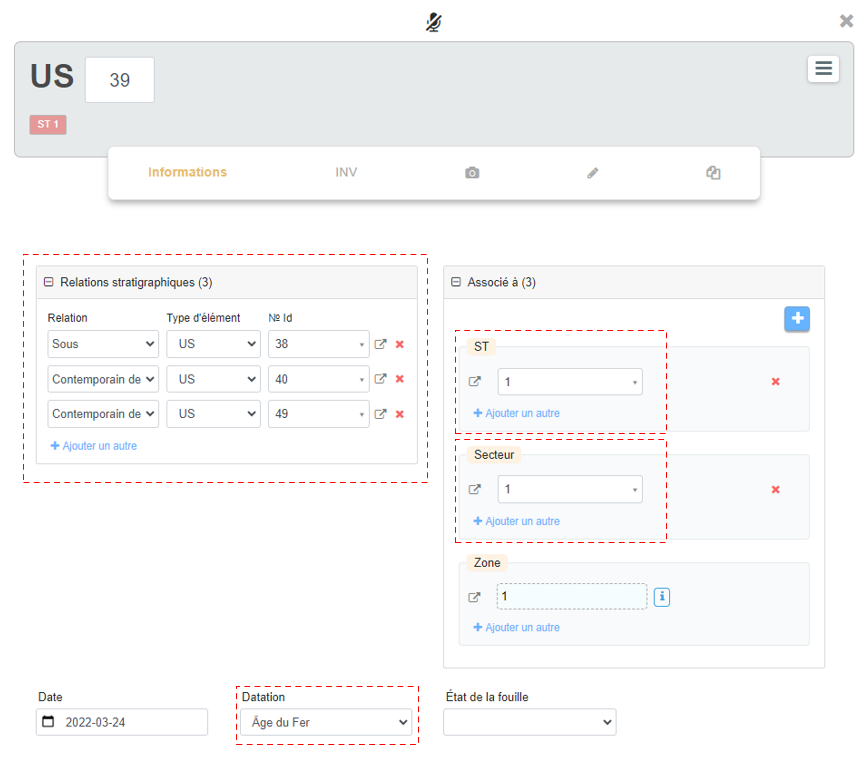
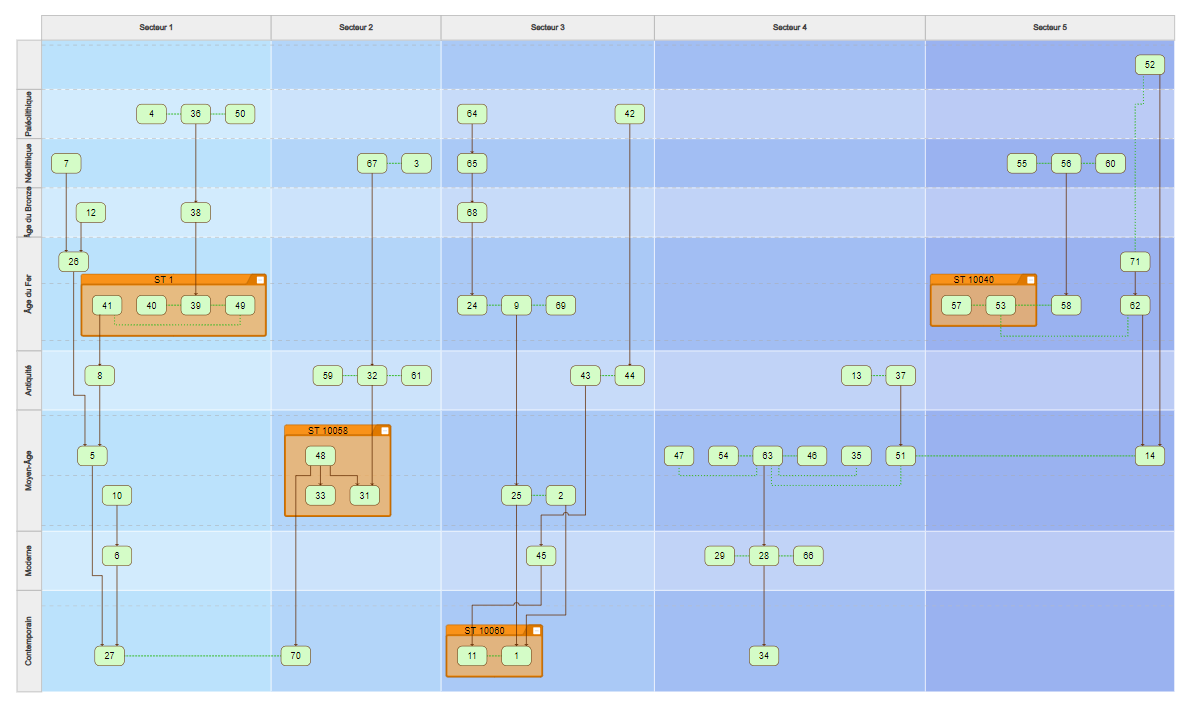
Such a matrix can be optimized, for example by stratifying it by Dating and by Sector. Moreover, the SU associated with ST could also be grouped. Below is an example of a form containing the necessary fields, followed by a Harris matrix that can be automatically generated based on this input.
B: Create the matrix from a blank page
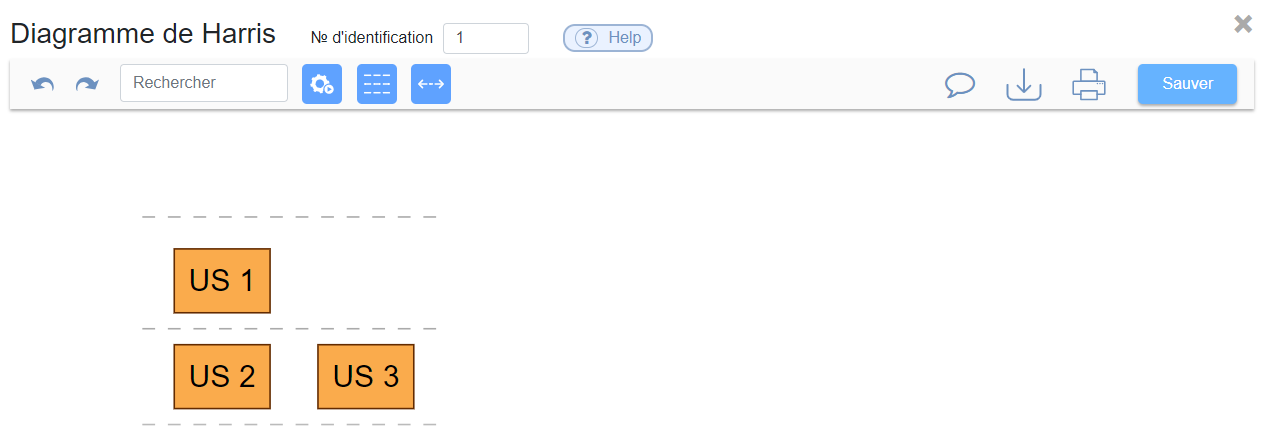
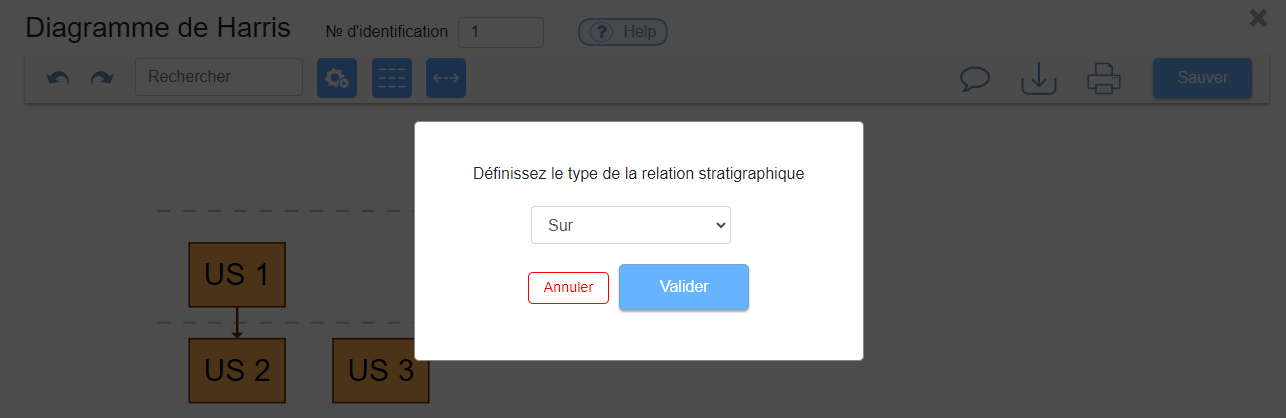
With this approach, the matrix can be manually generated by defining each relationship. Simply click to add an element, then perform a left-click and hold while dragging from one element to another to define their connection and stratigraphic relationship.