All documents related to an intervention can be accessed from the Documents tab in the main menu.
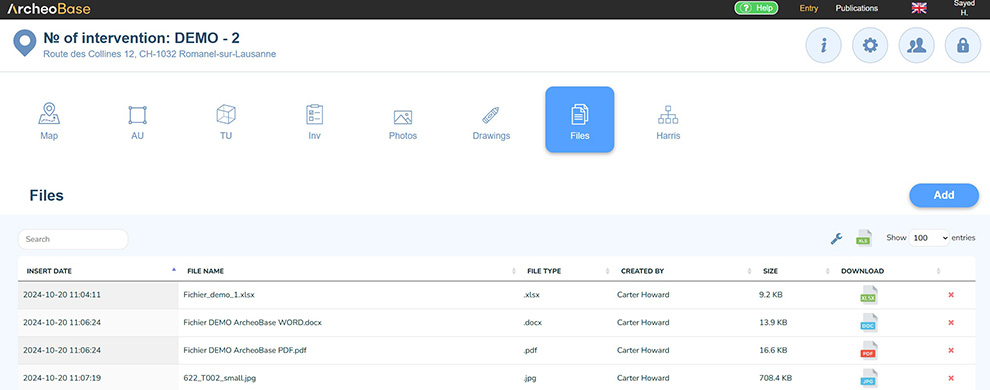
The purpose of the Documents table is to centralize documentation related to an intervention. This ensures comprehensive documentation during backup exports and makes all documents generated or used during an intervention fully visible.
The centralization of documents and data is crucial. Researchers may wish to consult all data related to an intervention years later, either within ArcheoBase or through backup exports created for archival purposes.
Two types of documents are included in the Documents table:
- Documents automatically added following the import of new data into ArcheoBase:
- These are files used during import processes.
- They are automatically included in the table.
- Documents manually added:
- Documents can be uploaded manually by clicking

- These may include reports or various types of sources consulted during the intervention.
- Documents can be uploaded manually by clicking
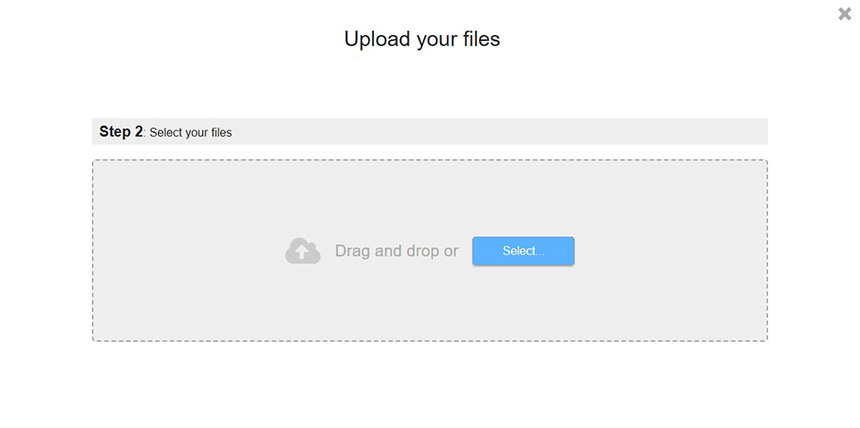
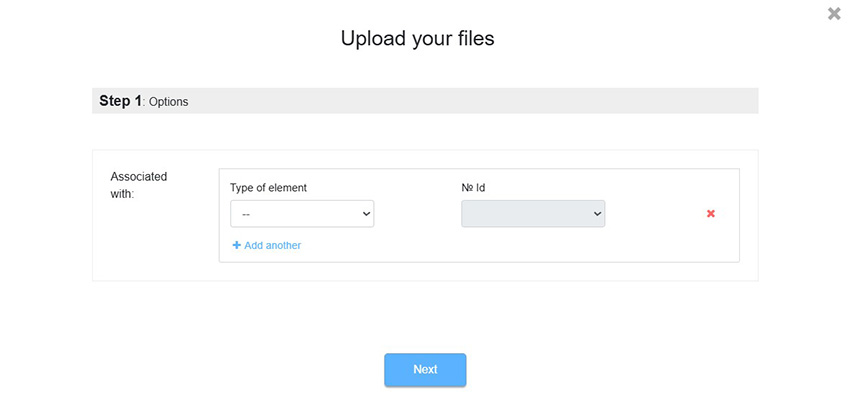
Documents can be uploaded by clicking the Add button. The upload process has two steps:
Step 1: Optional Association
Added documents can be associated with existing forms in ArcheoBase.
Step 2: Select Documents
Files can be selected or dropped into the upload window. Multiple documents can be added simultaneously.