It is possible to create a form without a photo, meaning without uploading a photo.
The advantages are the ability to fill in the form fields before the upload or to reserve photo numbers. This could be useful, for example, when photos are taken with a device other than the tablet, since the upload is done later.
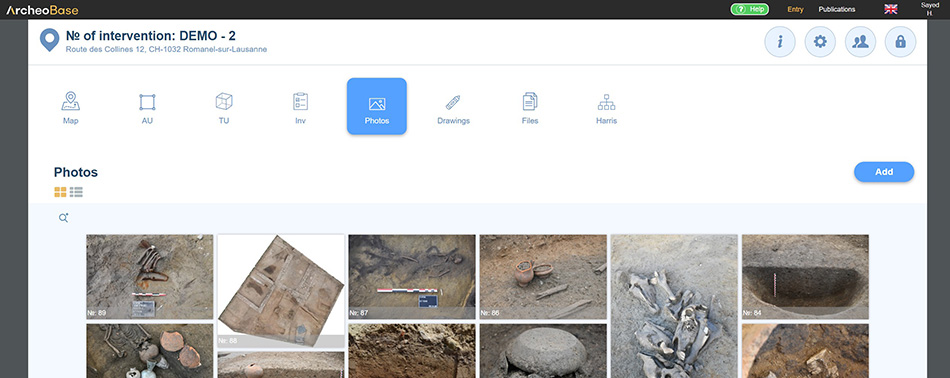
A form without a photo can be created by clicking on Photos and Add.
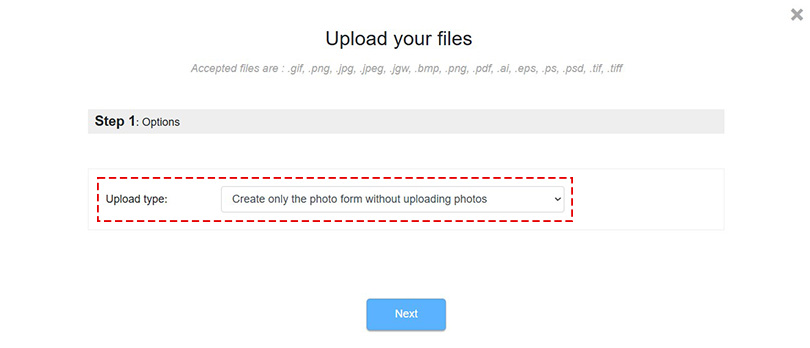
Then select Upload type: Create only the photo form without uploading any photos.
The form fields can then be filled in. The photo linked to this form can be uploaded later.
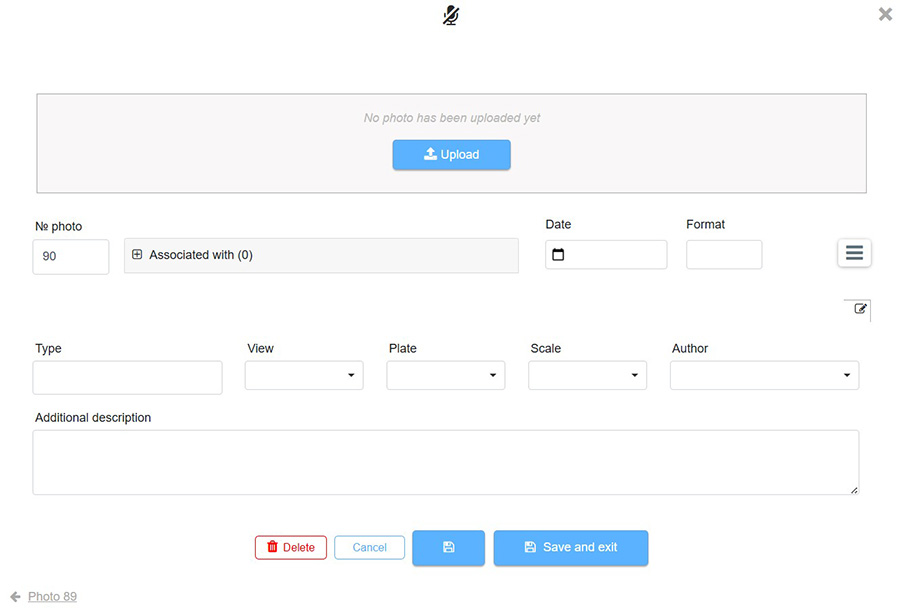
Each photo added in ArcheoBase is linked to a form. As a result, a photo form can only contain one photo.